Client experience

Replace scattered client touchpoints with one coherent portal.

The client portal is where Hollering starts to feel complete: shared visibility, direct action, self-service tasks, support, forms, bookings, and documents in one secure layer.

Give clients one secure place for projects, tasks, bookings, forms, invoices, proposals, tickets, and team access.
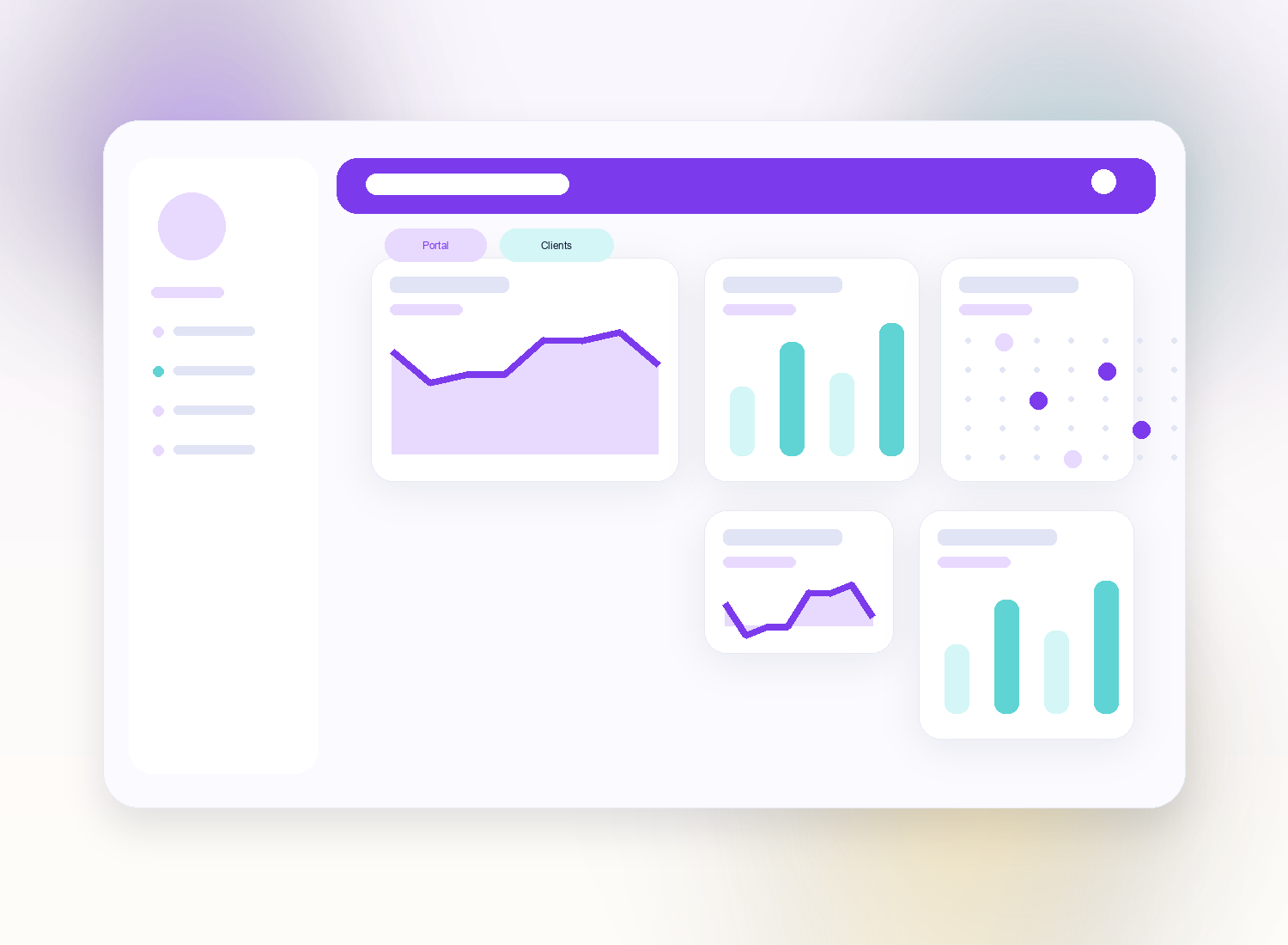
Client portal
Feature highlights
Shared visibility

Clients can see the right parts of active work.

Self-service actions

Book meetings, complete forms, comment on tasks, and raise tickets.

Product modules Client portal
How it flows Client experience

Shared visibility

Clients can see the right parts of active work.

Self-service actions

Book meetings, complete forms, comment on tasks, and raise tickets.

Stronger trust

A calmer portal feels more professional than a chain of links and emails.

Client portal

Give clients one secure place for projects, tasks, bookings, forms, invoices, proposals, tickets, and team access.

  • Portal tabs for projects, tasks, tickets, proposals, invoices, bookings, and forms
  • Client self-service actions inside a secure experience
  • Member access and role-sensitive collaboration
  • A stronger brand layer around delivery
Client portal
Client portal

Replace scattered client touchpoints with one coherent portal.

The client portal is where Hollering starts to feel complete: shared visibility, direct action, self-service tasks, support, forms, bookings, and documents in one secure layer.

Client portal

Client portal
Client portal
Client portal

One client layer

Bring multiple workflows together behind one secure access point.

Action, not just visibility

Clients can do useful work directly inside the portal.

Permission-aware access

Expose what matters without exposing everything.

Replace scattered client touchpoints with one coherent portal.

Portals help you look more organized because the experience actually is more organized.

Client portal
01

Invite

Give clients controlled access to the right workspace.

02

Collaborate

Let them book, submit, reply, comment, and track progress.

03

Retain context

Keep every client action tied back to the wider system.

Make the client side feel finished.

Portals help you look more organized because the experience actually is more organized.

Start free trial